
An AI agent that stays in your hands
Storebird starts in test mode, drafts before it sends, and only does on its own what you switch on, topic by topic. Here is every control you have, and what happens to your data.
Control
Test modeTest mode
Only you see the chat while you are logged in to WordPress
E-mail drafts
Every customer e-mail gets a draft for you to approve
Where is my order?
DraftSend automaticallyLeave to meProduct advice
DraftSend automaticallyLeave to meOrder changes
DraftSend automaticallyLeave to me
How you hand Storebird more work, one step at a time
From test mode to an agent that sends on its own for the topics you choose.
Every step is a switch in your dashboard, and every switch works both ways.
1. Test it where only you see it
1. Test it where only you see it
In test mode the chat only shows to you, logged in as a WordPress admin. Ask what your customers ask and check every answer first.
Admin Only Mode
Shoppers see nothing yet. You test on your own store.
2. Go live with the chat
2. Go live with the chat
Switch test mode off and the chat answers your shoppers from live products, stock and orders, and hands over when it should.
3. Approve e-mail drafts
3. Approve e-mail drafts
Every customer e-mail gets a draft with the order looked up. Nothing goes out until you approve it.

Re: order 1042, still waiting
Needs you4. Let it send what it gets right
4. Let it send what it gets right
Once the drafts for a topic are right, switch that topic to send automatically. You can switch it back at any time.
Where is my order?
Send automaticallyReturns and order changes stay as drafts.
Autonomy per topic
You decide how much it does on its own
An agent you cannot steer is a risk. Storebird starts with drafts and earns its autonomy topic by topic, and you can change it any time.
Product advice
“Which coat is warmest in size M?”
In the chat: Answers from live stock
In e-mail, by default: Draft for approval
You can switch to: Send automaticallyLeave to meWhere is my order?
“My order 1042 hasn’t arrived.”
In the chat: Checks the order, then answers
In e-mail, by default: Draft with the order looked up
You can switch to: Send automaticallyLeave to meReturns and exchanges
“Can I swap this for a size L?”
In the chat: Explains your return policy
In e-mail, by default: Draft for approval
You can switch to: Send automaticallyLeave to meOrder changes and cancellations
“Can you change my address?”
In the chat: Hands over with the order attached
In e-mail, by default: Draft for approval
You can switch to: Send automaticallyLeave to meEverything else
Complaints, wholesale, odd questions
In the chat: Answers or hands over
In e-mail, by default: Draft for approval
You can switch to: Send automaticallyLeave to me
“Send automatically” only sends answers backed by your store data; anything else stays a draft. Order details are only shared after the customer confirms the order number with their e-mail address or postcode.
On every answer
Guardrails you do not have to switch on
These hold in every conversation, on every plan, whatever you set elsewhere.
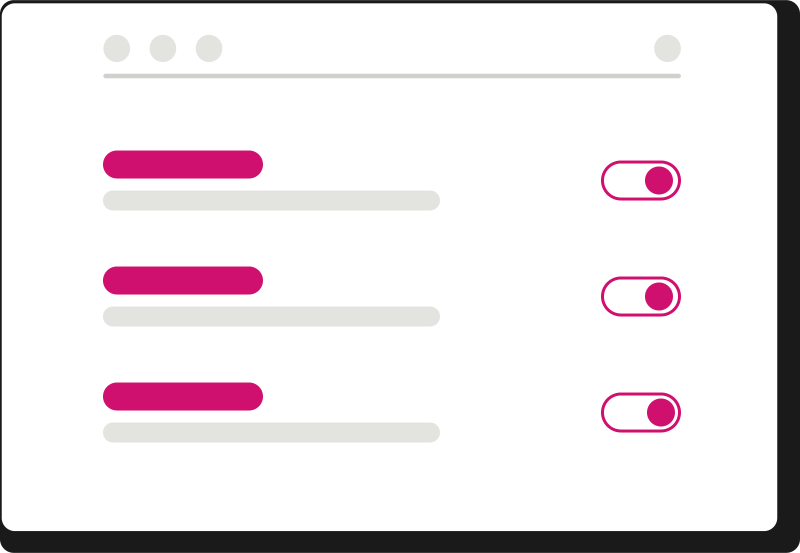
Your rules come first
Business rules are facts the AI may never contradict, such as your delivery days or what you do not sell. They override everything else, even when a customer insists.
Nothing from the order shows until it matches.
Order details only after a check
Before it shares anything about an order, Storebird asks for the order number together with the e-mail address or postcode on that order.
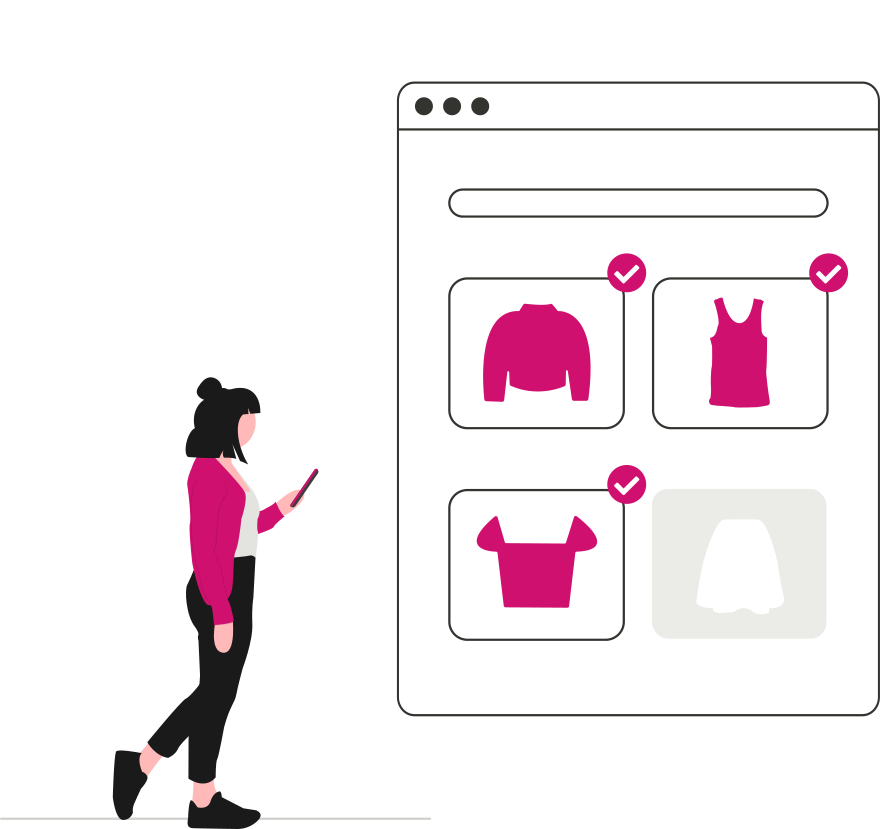
Answers from your store, not from guesses
Products, prices, stock and orders are read from WooCommerce at the moment the customer asks. When it cannot find the answer, it says so and offers a person.
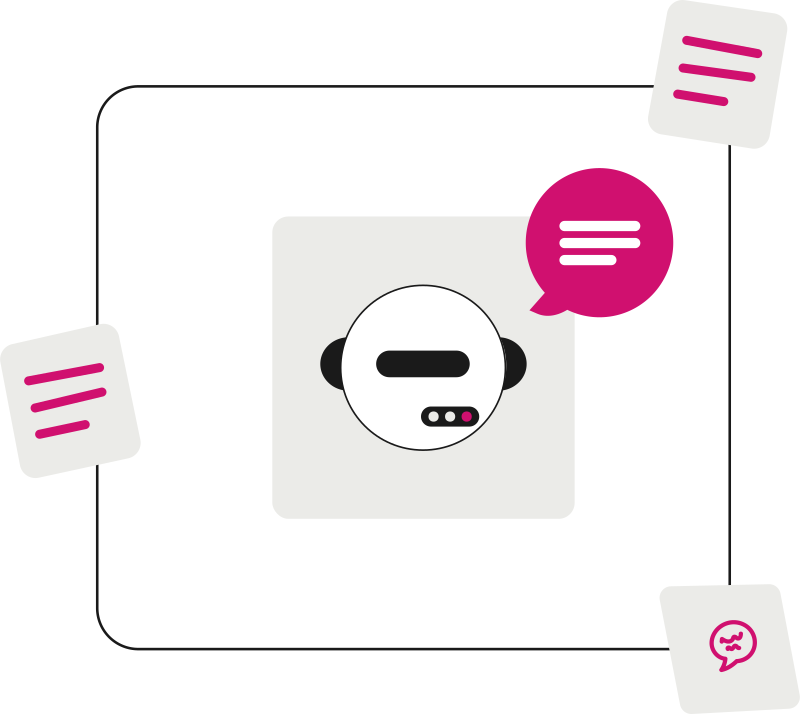
Always clear it is AI
The chat is labelled as AI, as the EU AI Act asks, and its answers are signed as the store’s AI. Customers can ask for a person at any time.
 Sanne asks for a personComplaint about a late parcelTake over
 Emma takes over from the appWith the whole conversation
A person whenever it matters
Complaints, order changes and anything it is unsure about go to your team, in the app or on WhatsApp, with the conversation attached.
Unanswered questions2
“Do you offer gift wrapping?” Add answer
“Can I pay on account?” Add answer
You see what it missed
Questions it could not answer and answers a shopper rated not helpful are listed for you, so you can add the missing information once.
Your data
What happens to your data
Storebird reads your store to answer your customers. It does not sell that data, and it does not use it to train public AI models.
Not used to train public AI models
Your catalogue and your customers’ conversations are processed by AI providers with privacy mode enabled.
Encrypted
Data is encrypted in transit, and sensitive data is encrypted where it is stored.
Yours to delete
When you delete your account, your data is deleted within 30 days, unless the law requires us to keep it.
GDPR rights for your customers
Access, correction, deletion and portability requests can be sent to [email protected].
Storebird, Parallelweg 14, 5051 HG Goirle, the Netherlands. KvK 90772040. Read the privacy policy and the terms.
Questions about security and control
Short answers; the details are in the privacy policy.
Can Storebird send something to a customer without me?

Start in test mode, on your own store
Installs in about five minutes. Only you see the chat until you switch test mode off.